Common Crawling and Indexing Issues That Hurt Your SEO
Table of Contents
Even the most compelling content becomes invisible in search results if search engines can’t crawl and index your pages properly. Crawling and indexing form the foundation of organic visibility—before Google can rank your pages, it must first discover them, access them, understand them, and store them in its index.
Understanding common crawling and indexing issues helps you diagnose why pages aren’t appearing in search results and fix problems before they cost you traffic.
Understanding Crawling vs Indexing
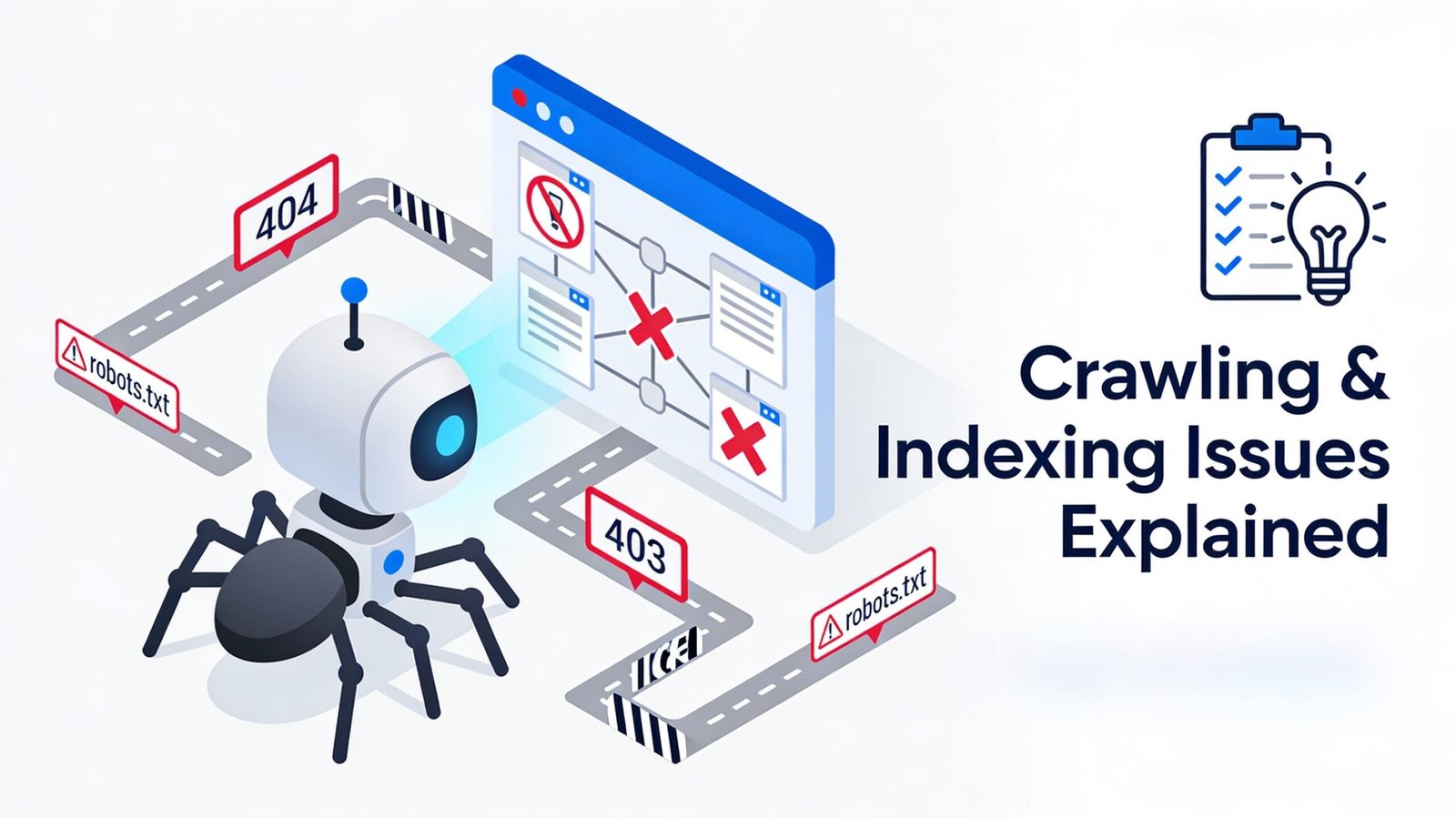
Crawling and indexing represent distinct stages in how search engines process your content. Crawling involves automated bots (like Googlebot) discovering and accessing pages by following links across the web. These crawlers visit pages, download content, and identify new links to follow, systematically mapping the internet’s structure.
Indexing happens after crawling, when search engines analyze downloaded content, understand what each page covers, and store structured information in massive databases. Indexed pages become eligible to appear in search results when users search for relevant queries.
Problems can occur at either stage. Pages might be crawled but not indexed if content quality is low or technical issues prevent understanding. Conversely, pages might never be crawled due to poor internal linking, robots.txt blocks, or server errors. Diagnosing which stage breaks down requires examining different data sources and signals.
Common Crawling Problems
- Robots.txt misconfiguration represents one of the most frequent crawling issues. This text file instructs crawlers which parts of your site to avoid. Accidentally blocking important sections—product pages, blog content, or entire directories—makes that content invisible to search engines regardless of quality.
- Crawl budget limitations affect large sites with thousands or millions of pages. Google allocates crawl budget based on site authority, technical health, and how frequently content updates. Sites that waste crawl budget on low-value pages—infinite pagination, duplicate content, or broken links—may not get important pages crawled frequently enough.
- Site speed issues affect crawling efficiency beyond just user experience—slow sites consume crawl budget less effectively. For detailed insights into how performance impacts crawling and overall, SEO, see our guide on How Site Speed Affects SEO Rankings.
- Orphaned pages with no internal links pointing to them rarely get discovered by crawlers. Even if these pages exist in your sitemap, the absence of internal links signals low importance.
Common Indexing Problems
- Noindex directives explicitly tell search engines not to index specific pages. Sometimes these directives remain after development or get added accidentally to production pages. Check your page source for <meta name=”robots” content=”noindex”> tags or X-Robots-Tag HTTP headers that might be preventing indexing.
- Canonical tags pointing to different URLs tell search engines to index the canonical version instead of the current page. Incorrect canonical implementation—pointing to wrong pages or creating circular references—causes indexing confusion and can prevent pages from ranking.
- Low-quality or thin content often gets crawled but not indexed because Google determines it provides insufficient value. Pages with minimal text, duplicate content, or no unique value proposition may enter Google’s index initially but get filtered out during quality assessments.
- Mobile usability issues can prevent mobile indexing with Google’s mobile-first approach. Pages that don’t work properly on mobile devices—broken layouts, inaccessible content, or intrusive interstitials—may not get indexed even if desktop versions function perfectly.
Diagnosing Crawling and Indexing Issues
Google Search Console provides essential diagnostic tools for identifying problems. The Coverage report shows which URLs Google knows about, which are indexed, and specific reasons for exclusion. Review this report regularly to catch new issues before they accumulate.
The URL Inspection tool reveals detailed information about specific pages—whether they’re indexed, when they were last crawled, and any issues preventing indexing. Use this tool to investigate individual pages not appearing in search results.
Ways to Fixing Crawling Issues
Optimize your crawl budget by fixing broken links that waste crawler resources, eliminating duplicate content consuming unnecessary crawls, using robots.txt to block low-value sections like admin pages, and improving server response time to make crawling more efficient.
Strengthen internal linking architecture by ensuring every important page receives internal links, using descriptive anchor text that indicates page content, linking to important pages from high-authority pages like your homepage, and maintaining logical hierarchy with clear pathways to all content.
Submit XML sitemaps listing all important URLs you want indexed. Update sitemaps regularly when adding new content. Include only canonical URLs—no redirects, noindex pages, or blocked URLs—to avoid wasting Google’s time processing URLs you don’t want indexed anyway.
Ways to Fix Indexing Issues
Remove accidental noindex tags from pages you want indexed. Audit your site systematically to ensure indexing directives match your intentions. Be particularly careful with staging site configurations that sometimes accidentally carry over to production.
Correct canonical tag implementation by ensuring they point to the preferred version of content, don’t create circular references or chains, and are used consistently across all duplicate variations.
Improve content quality for thin pages by adding substantial unique content, combining multiple thin pages into comprehensive resources, or removing low-value pages that don’t serve users. Quality over quantity applies to indexing—having fewer, better pages often outperforms having many mediocre pages.
For comprehensive evaluation of crawling, indexing, and other technical factors affecting your search performance, follow our detailed Technical SEO Audit Checklist.
Monitoring and Prevention
Check Google Search Console weekly for new coverage issues. Address problems promptly before they affect many pages. Set up email alerts for critical errors that Search Console detects.
Monitor indexing status for important pages using the site: search operator in Google. Regularly verify that key landing pages, conversion paths, and new content appear in the index as expected.
The Bottom Line
Crawling and indexing issues prevent your content from appearing in search results regardless of how well optimized it might be for ranking. These fundamental technical problems must be identified and resolved before you can benefit from any other SEO efforts.
Start by auditing your current indexing status in Google Search Console. Identify pages excluded from the index and understand why. Prioritize fixing issues affecting high-value pages—important conversion paths, new content, and pages that historically drove traffic.
Regular monitoring prevents small issues from becoming major problems. Make Google Search Console review a weekly habit, investigate unexpected changes in indexed pages promptly, and test site changes carefully before deployment.