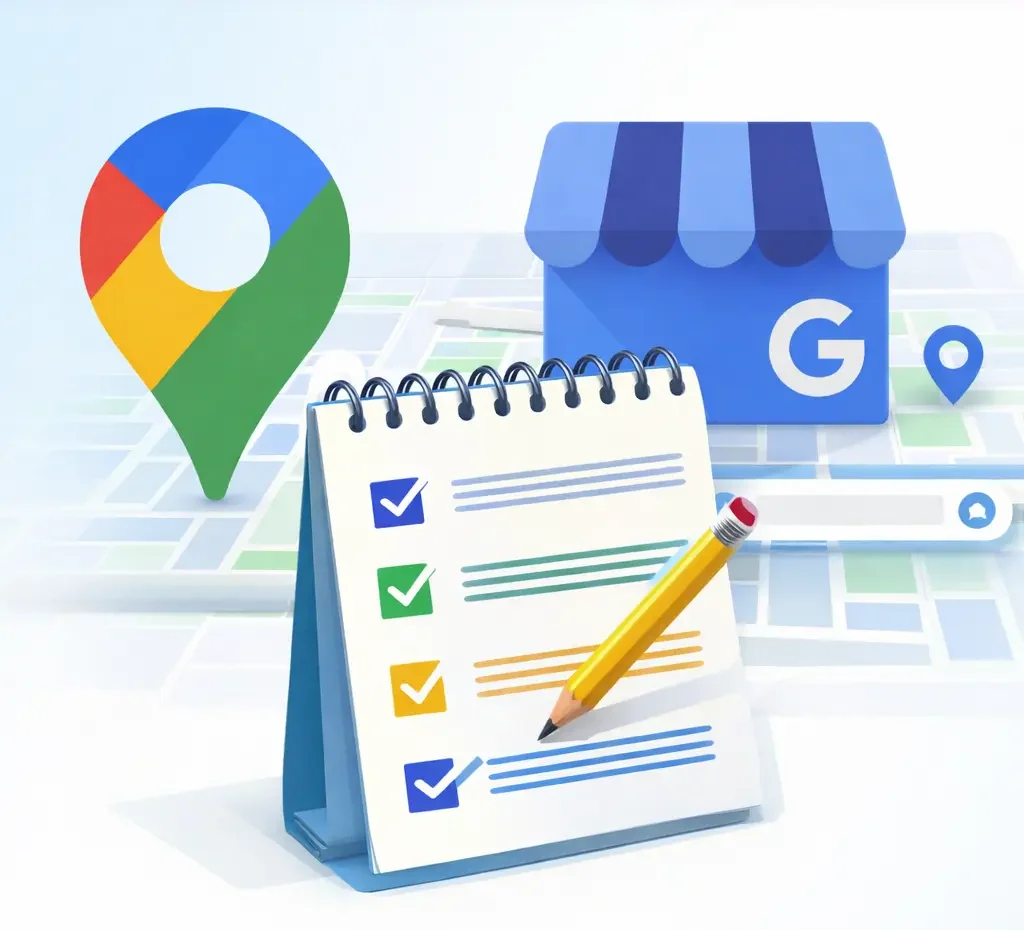
Google Business Profile Optimization Checklist 2026
Table of Contents
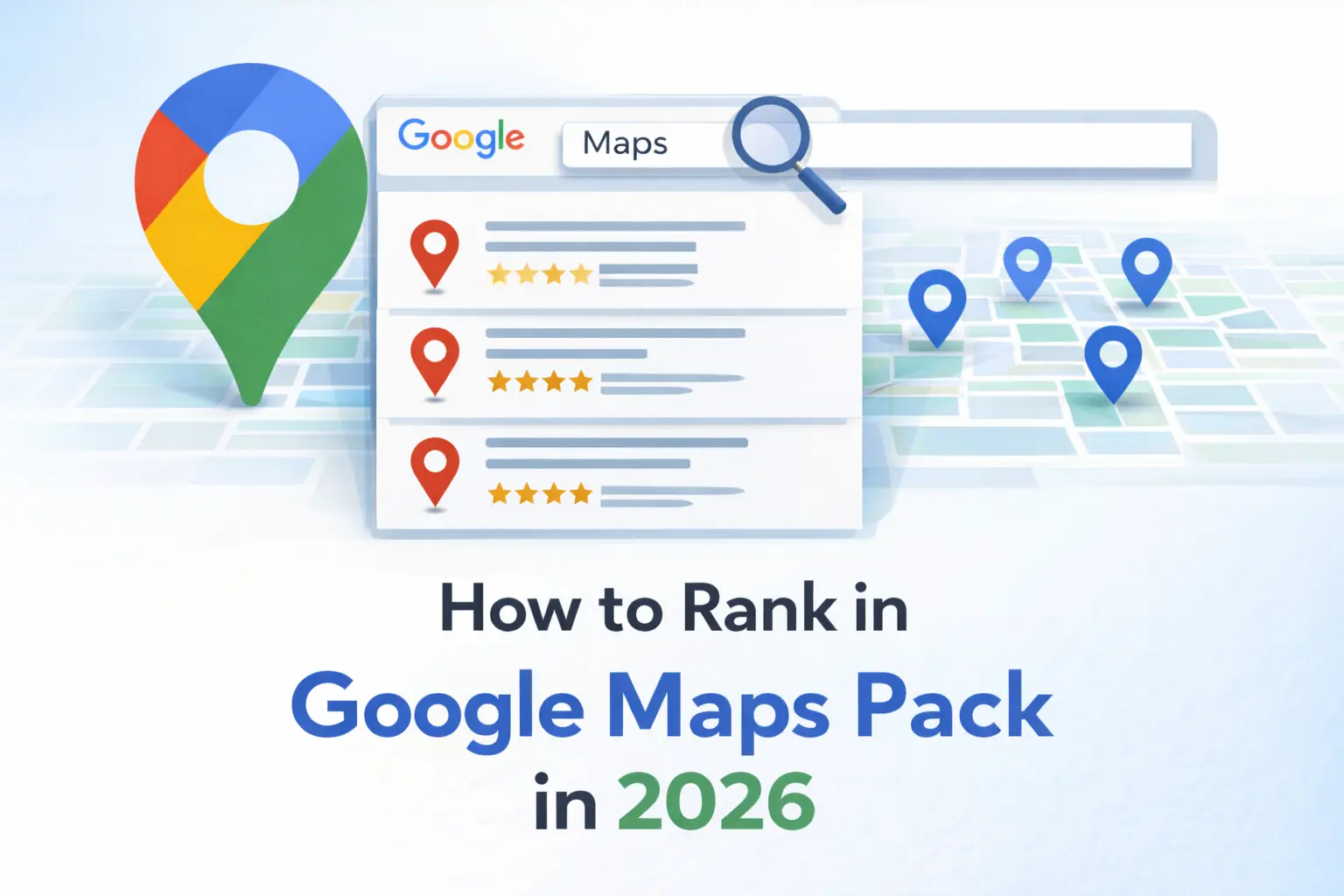
Your Google Business Profile is the single most important tool for local search visibility. When potential customers search for services you offer, a properly optimized profile can mean the difference between appearing in the coveted Maps Pack or being invisible to local searchers.
This checklist covers every essential element to maximize your profile’s performance in 2026.
#1 Business Profile Setup
Start with the foundation. Your business name must match exactly what appears on your storefront and legal documents. Don’t add keywords to your name—Google penalizes this practice and may suspend your profile.
Select your primary category carefully, as it significantly influences when Google shows your business. Choose the most specific category that accurately describes your core service. You can add secondary categories, but your primary selection carries the most weight for ranking algorithms.
Enter your complete business address if you have a physical location customers visit. For service-area businesses that go to customer locations, you can hide your address while still defining service areas.
Your phone number should be a local number whenever possible. Toll-free numbers work, but local numbers build stronger geographic relevance.
#2 Service Areas and Hours
Define your service areas precisely if you’re a service-area business. List all cities, neighborhoods, or zip codes you serve. Google uses this information to determine when to show your profile in search results across different locations.
Set accurate business hours, including special hours for holidays. Nothing frustrates potential customers more than arriving at a closed business because of incorrect hours. Update these immediately whenever they change, and use the holiday hours feature to manage seasonal variations.
#3 Business Description Optimization
Your 750-character business description offers valuable real estate to differentiate your business. Write naturally for humans first, but incorporate relevant keywords that describe your services and specializations.
Focus on what makes you unique: years in experience, certifications, service guarantees, areas of specialization, or anything that would help customers choose you over competitors.
#4 Products and Services Section
The products and services feature let you detail exactly what you offer with descriptions and pricing. This section improves relevance matching and helps customers understand your offerings before contacting you.
List each service separately with descriptive names, clear descriptions, and pricing ranges when appropriate. This transparency builds trust and filters inquiries, leading to more qualified leads.
#5 Review Management System
Reviews directly impact your rankings and conversion rates. Profiles with more positive reviews consistently outrank those with fewer reviews, even when other factors are equal.
Implement a systematic approach to requesting reviews from satisfied customers. Send review requests within 24-48 hours of completing service while satisfaction is highest. Make the process easy by providing direct links to your review page.
#6 Posts for Ongoing Engagement
Google Posts allow you to share updates, offers, events, and content directly on your profile. These posts appear in your knowledge panel and can influence click-through rates.
Post at least weekly to maintain an active presence. Share company updates, seasonal offers or promotions, helpful tips related to your services, community involvement or local events, and customer success stories.
Each post supports a call-to-action button (Learn More, Call, Book, Order, etc.), turning your profile into an active marketing channel. Posts remain visible for seven days before being archived, so consistent posting maintains fresh content on your profile
#7 Q&A Section Management
The Questions and Answers section lets users ask questions directly on your profile. Anyone can ask questions, including competitors posting negative or irrelevant content.
Monitor this section regularly and answer questions promptly with helpful, detailed responses. You can also proactively seed the Q&A section by asking and answering common customer questions yourself. This controls the narrative and provides valuable information to potential customers.
#8 Insights and Performance Monitoring
Regularly review your Google Business Profile Insights to understand how customers find and interact with your profile. Monitor search query data showing what terms lead people to your profile, customer actions like website clicks and phone calls, photo views and comparisons to competitors, and direction requests.
The Bottom Line
Google Business Profile optimization isn’t a one-time task—it requires ongoing attention and updates. However, the effort pays substantial dividends. A fully optimized, actively managed profile generates more visibility, attracts more qualified leads, and converts more browsers into customers than neglected profiles. To ensure you’re not inadvertently sabotaging your local SEO performance, review our comprehensive list of Common Local SEO Mistakes to Avoid. With the right approach and consistent execution, your Google Business Profile becomes your most powerful local marketing asset.